

The rise of artificial intelligence has transformed the creative industry, making it easier than ever to produce stunning graphics, illustrations, logos, and marketing materials. While these advancements have opened new opportunities for designers, they have also increased the risk of unauthorized copying, image theft, and copyright infringement. Protecting digital assets has become a top priority for freelancers, agencies, photographers, and businesses alike.
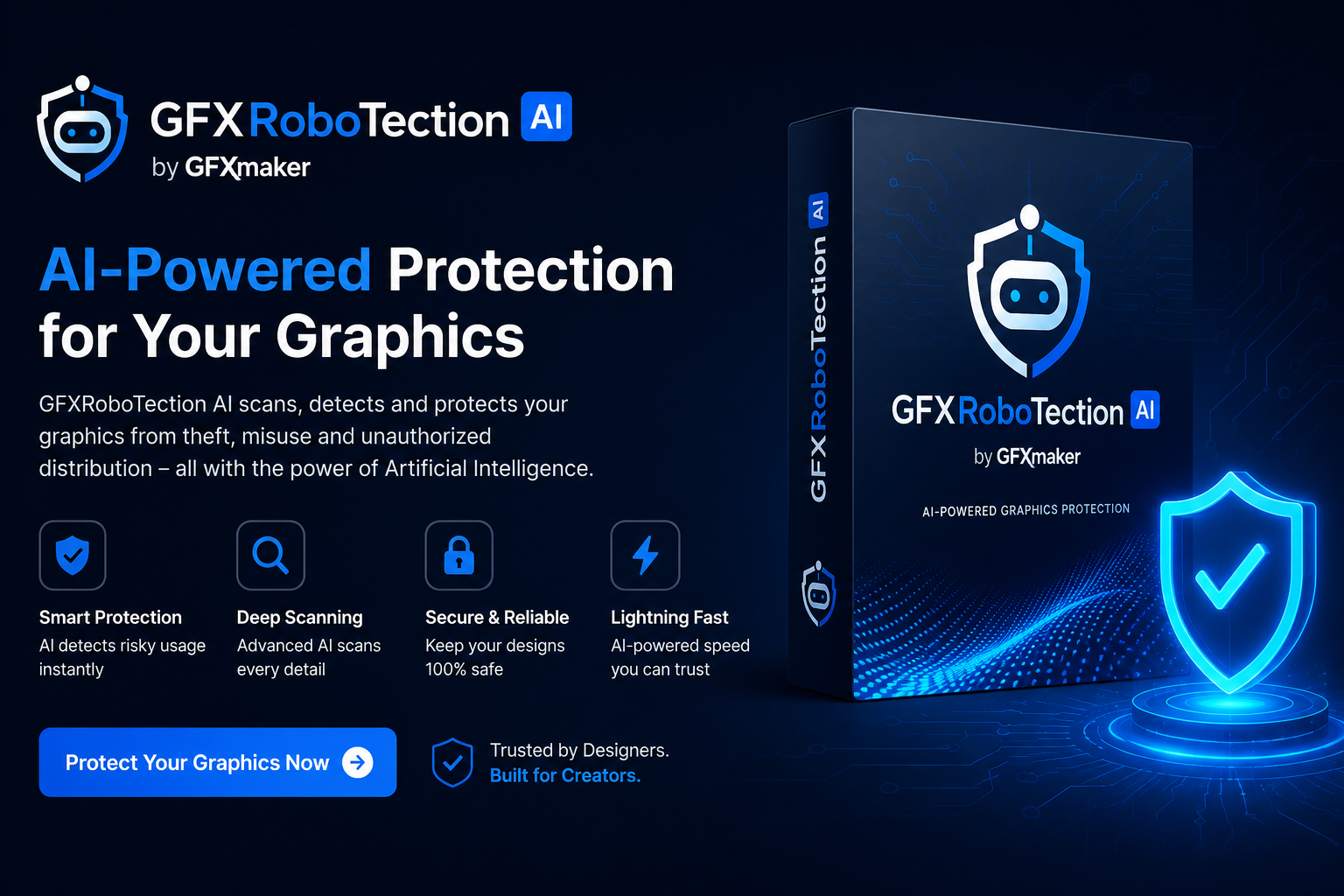
GFXRobotection AI Software by GFXMaker is designed to help creators safeguard their digital work using AI-powered technology. Rather than relying solely on visible watermarks, it focuses on intelligent monitoring, digital fingerprinting, and automated detection of copied content across the web. This guide explains how the software works, its key features, benefits, limitations, and whether it is the right solution for protecting your creative assets.
What Is GFXRobotection AI Software by GFXMaker?
GFXRobotection AI Software by GFXMaker is an AI-driven digital asset protection solution designed for creators who publish artwork online. Its primary goal is to help users monitor, identify, and protect creative content from unauthorized use.
Instead of depending only on traditional watermarking, AI-based protection analyzes the unique characteristics of an image or design. These characteristics can be used to recognize copies, even if they have been resized, cropped, or slightly edited.
This makes the software especially valuable for graphic designers, photographers, marketing agencies, social media creators, and businesses that regularly publish original visual content.
Why Digital Asset Protection Matters
Creative work requires time, skill, and investment. Unfortunately, digital content can often be copied within seconds and shared across websites without permission.
Some common challenges include:
Logo theft
Unauthorized image reuse
Stolen product photography
Brand impersonation
Social media reposting without credit
Imagine a freelance designer spending several days creating a custom logo for a client. A few weeks later, the same design appears on another company's website without authorization. Without proper monitoring, discovering this misuse can be extremely difficult.
AI-powered protection tools aim to reduce this risk by automatically identifying potential copies and notifying the original creator.
How GFXRobotection AI Software Works
Upload Your Creative Assets
The process begins by uploading graphics, logos, illustrations, or photographs into the software.
Each file becomes part of your protected digital asset library.
AI Generates a Digital Fingerprint
Instead of relying only on filenames or metadata, the software analyzes visual patterns within the image.
This creates a unique digital fingerprint that represents the original artwork.
Continuous Monitoring
After fingerprinting, the software monitors online sources looking for similar versions of the protected image.
Monitoring is designed to reduce the need for manual reverse-image searches.
Detection of Similar Content
If matching or closely related content is discovered, the system flags the result for review.
This allows creators to investigate whether the usage is authorized or requires action.
Reporting Dashboard
Detected matches are typically organized inside a dashboard where users can review findings, organize assets, and manage protection settings more efficiently.
Key Features of GFXRobotection AI Software
AI Image Recognition
Artificial intelligence analyzes visual characteristics instead of depending entirely on filenames or metadata.
This improves the ability to identify altered versions of original artwork.
Digital Fingerprinting
Every uploaded image receives a unique digital identity that helps distinguish original content from copied material.
Smart Monitoring
Automated monitoring reduces repetitive manual searches by scanning for potential matches online.
Copyright Protection
Creators receive better visibility into where their content may be appearing across digital platforms.
Automated Notifications
Instead of checking manually every day, users receive alerts whenever potential matches require review.
Centralized Dashboard
Managing multiple projects becomes easier through a single interface where assets, reports, and monitoring activity are organized.
Cloud Accessibility
Cloud-based access enables users to review protected assets from different devices without maintaining local storage alone.
Feature Comparison
This comparison demonstrates why many creators now combine watermarking with AI-based protection instead of relying on visible marks alone.
Real-World Use Cases
Graphic Designers
Designers can monitor logos, branding assets, and illustrations after delivering projects to clients.
Photographers
Professional photographers can track commercial usage of their images across websites and marketing materials.
Marketing Agencies
Agencies managing hundreds of creative assets can organize protection from one centralized platform.
Freelancers
Independent creators gain an additional layer of protection without performing constant manual searches.
E-commerce Businesses
Product images represent valuable business assets. Monitoring helps identify unauthorized copying by competitors.
Social Media Creators
Influencers and content creators publishing original graphics can better understand where their content appears online.
Benefits of Using GFXRobotection AI Software
One of the biggest advantages is automation. Rather than spending hours searching for copied images manually, AI performs much of the repetitive work.
Additional benefits include:
Better protection of intellectual property
Reduced manual monitoring
Faster identification of copied assets
Improved workflow efficiency
Better organization of creative libraries
Greater confidence when publishing original work
Support for growing creative businesses
For agencies handling hundreds of design files each month, even small efficiency improvements can save significant time.
GFXRobotection vs Other Protection Solutions
Each solution serves a different audience. Freelancers may prioritize simplicity, while large enterprises often require advanced compliance and workflow integrations.
How to Get Started
Step 1: Create an Account
Register using your preferred email address.
Step 2: Upload Assets
Import the graphics, logos, illustrations, or photographs you want to protect.
Step 3: Configure Monitoring
Choose the protection settings that best match your workflow.
Step 4: Enable AI Protection
Allow the software to generate digital fingerprints for uploaded files.
Step 5: Review Reports
Check the dashboard regularly for notifications and identified matches.
Step 6: Take Appropriate Action
If unauthorized use is detected, evaluate the situation before deciding on the next steps, such as requesting attribution or pursuing formal copyright procedures where appropriate.
Best Practices for Protecting Digital Assets
AI protection works best when combined with smart digital security habits.
Consider these recommendations:
Keep original source files securely backed up.
Publish high-resolution work only when necessary.
Store copyright documentation.
Maintain organized project folders.
Monitor reports regularly.
Educate team members about intellectual property protection.
Combine AI monitoring with traditional copyright practices.
A layered protection strategy is usually more effective than relying on a single method.
Potential Limitations
No protection system is perfect.
Before choosing any AI-based protection software, consider factors such as:
Learning curve for new users
Subscription pricing if premium plans are offered
Internet coverage limitations
False positives requiring manual review
Compatibility with different file formats
Dependence on cloud-based services
Understanding these limitations helps users set realistic expectations.
Who Should Use GFXRobotection AI Software?
This software is suitable for professionals who regularly publish valuable creative work online.
It can be particularly useful for:
Graphic designers
Branding agencies
Digital artists
Marketing professionals
Content creators
Photographers
E-commerce businesses
Creative studios
Freelancers
Individuals who rarely publish original digital content may not require advanced monitoring features, but professionals managing commercial assets are more likely to benefit.
What Is the Best AI Graphic Design Software?
There is no single "best" AI graphic design software because the ideal choice depends on your goals. Designers looking for image generation may prefer creative AI tools, while those focused on protecting completed artwork may find specialized software such as GFXRobotection more relevant. Many professionals combine multiple AI solutions for design, editing, and asset protection.
What Are the Big 5 AI Tools?
The phrase "big 5 AI tools" often refers to widely used AI platforms across different categories, such as conversational AI, image generation, coding assistants, productivity tools, and creative design software. Rather than relying on one application, professionals typically build a toolkit that matches their workflow.
Who Is Making AI Software?
AI software is developed by a wide range of organizations, including technology companies, research institutions, startups, and specialized software developers. Large technology firms invest heavily in AI research, while smaller companies often focus on industry-specific solutions such as cybersecurity, healthcare, education, finance, or digital asset protection.
Will AI Replace Graphic Designers in 10 Years?
AI is expected to change how designers work rather than replace them entirely. Modern AI tools can automate repetitive tasks, generate creative ideas, and speed up production, but human creativity, strategic thinking, storytelling, and client collaboration remain essential. Designers who learn to work alongside AI are likely to gain a competitive advantage instead of being replaced.
Frequently Asked Questions
Is GFXRobotection AI Software suitable for beginners?
Yes. Users with basic computer skills should be able to understand the main features after a short learning period.
Can photographers benefit from this software?
Yes. Photographers who publish commercial images online can use AI monitoring to help identify unauthorized usage.
Does AI replace traditional watermarking?
Not necessarily. Many professionals combine AI monitoring with watermarking for stronger overall protection.
Can businesses protect brand assets?
Yes. Logos, promotional graphics, product images, and marketing materials can all benefit from organized digital asset monitoring.
Does the software work for freelancers?
Absolutely. Freelancers often manage valuable creative work independently, making automated protection especially useful.
Is AI monitoring completely accurate?
No AI system is perfect. Detected matches should always be reviewed by a human before making copyright decisions.
Conclusion
As digital creativity continues to grow, protecting original work has become just as important as creating it. GFXRobotection AI Software by GFXMaker offers an AI-powered approach that goes beyond traditional watermarking by helping creators monitor, organize, and manage their valuable digital assets more efficiently.
While no software can completely eliminate copyright infringement, combining AI monitoring with good intellectual property practices can significantly strengthen your protection strategy. Whether you are a freelance designer, photographer, marketing agency, or business owner, investing in proactive digital asset protection helps safeguard the time, creativity, and effort behind every project.
Leave a Reply