

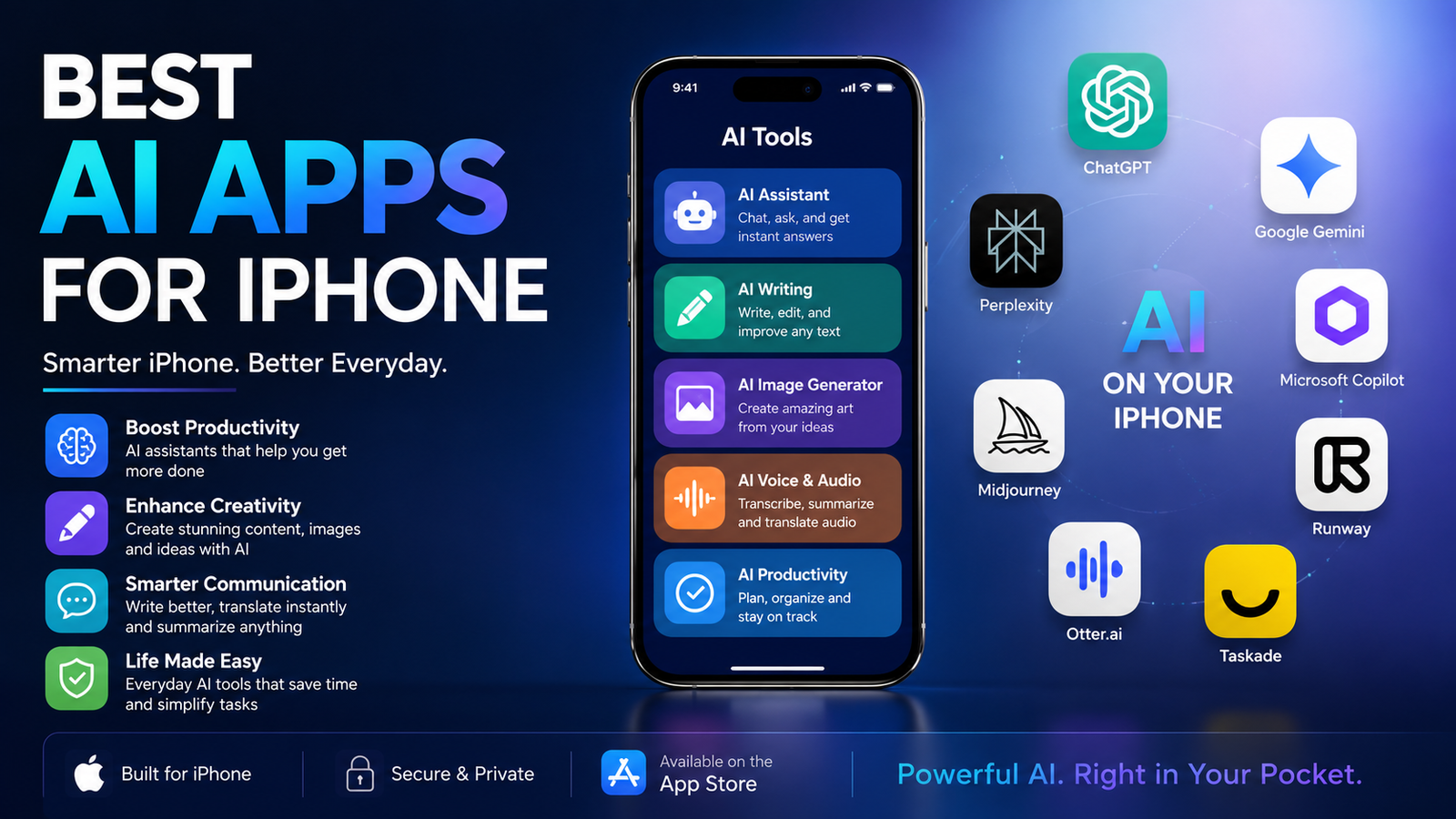
Artificial intelligence has transformed the way iPhone users work, create, communicate, and stay organized. Whether you're writing emails, editing photos, creating videos, solving homework, planning your day, or brainstorming ideas, there's an AI app designed to make the task faster and easier.
With so many options available, finding the right app can feel overwhelming. Some apps specialize in writing, while others focus on image generation, productivity, coding, or video creation. Choosing the wrong one can lead to wasted time and unnecessary subscription costs.
To help you make the best decision, we evaluated today's most popular AI apps based on usability, features, pricing, iPhone optimization, privacy, and overall value. This guide highlights the best AI apps for iPhone in 2026, including free and premium options for students, professionals, creators, and everyday users.
What Makes a Great AI App for iPhone?
Not every AI app deserves a place on your home screen. The best apps combine intelligent features with a smooth iOS experience.
When reviewing each app, we considered:
Ease of use
AI response quality
Speed and performance
Privacy and security
Battery efficiency
Integration with iPhone features
Regular updates
Overall value for money
Apps that consistently delivered accurate results while remaining simple to use ranked highest.
Best AI Apps for iPhone in 2026
ChatGPT
ChatGPT remains one of the most versatile AI apps available for iPhone. It helps with writing, coding, brainstorming, research, translation, summaries, and everyday questions.
Best for:
Students
Writers
Professionals
Businesses
Pros
Natural conversations
Voice mode
Image generation
File uploads
Fast responses
Cons
Advanced features require a paid plan.
Google Gemini
Gemini integrates well with Google Workspace, making it a strong choice for users who rely on Gmail, Docs, and Drive.
Best for:
Productivity
Research
Google users
Pros
Excellent web knowledge
Google ecosystem integration
Reliable writing assistance
Cons
Some premium features require a subscription.
Claude AI
Claude is known for thoughtful, detailed answers and strong long-document analysis.
Best for
Research
Professional writing
Business reports
Pros
Excellent reasoning
Long context window
Clear explanations
Cons
Limited image capabilities compared to competitors.
Microsoft Copilot
Copilot combines AI with Microsoft Office tools.
Ideal for
Excel
Word
PowerPoint
Office productivity
Perplexity AI
Perplexity focuses on research by providing answers with cited sources, making it useful for students and professionals.
Grammarly
Grammarly improves grammar, spelling, tone, and clarity while you type across apps on your iPhone.
Notion AI
Perfect for organizing notes, meeting summaries, project planning, and productivity workflows.
Canva AI
Canva AI makes it easy to create presentations, social media graphics, and marketing materials directly from your iPhone.
Adobe Firefly
Adobe Firefly helps users generate AI images, edit photos, and create professional visual content.
Remini
Remini uses AI to restore blurry or low-quality images, making it one of the best AI apps for iPhone photo enhancement.
Runway
Runway is an excellent choice for creators looking for the best AI apps for iPhone to make videos with AI-powered editing and effects.
Comparison Table: Top AI Apps for iPhone
Top 5 AI Apps for iPhone
If you only want the very best, these five apps stand out.
ChatGPT – Best overall AI assistant
Google Gemini – Best research companion
Claude AI – Best for long-form writing
Canva AI – Best creative design tool
Runway – Best AI video creator
These apps cover nearly every everyday AI task on an iPhone.
Best AI Apps by Category
Best AI Writing App
ChatGPT and Claude both deliver outstanding writing assistance, whether you're drafting blog posts, emails, or reports.
Best AI Photo App
For editing and enhancing images, Remini and Adobe Firefly are excellent choices. They are among the best AI apps for iPhone photo editing thanks to features like background removal, restoration, and AI-generated artwork.
Best AI Video App
Runway leads the way for AI-powered video editing, making it one of the best AI apps for iPhone to make videos.
Best AI Productivity App
Notion AI simplifies note-taking, project management, brainstorming, and task organization.
Best AI Research Tool
Perplexity AI provides fast, source-backed answers, making it ideal for research-heavy tasks.
Best AI Apps for Different Users
Students
Students benefit most from ChatGPT, Gemini, Photomath, and Grammarly. These apps help with assignments, research, language learning, and exam preparation.
Content Creators
Creators often use Canva AI, Runway, Adobe Firefly, and ChatGPT to generate scripts, edit videos, design thumbnails, and write captions.
Business Professionals
Copilot, Notion AI, Claude, and Grammarly improve communication, presentations, reports, and workflow efficiency.
Developers
ChatGPT and Claude assist with debugging, explaining code, generating snippets, and solving programming challenges.
Apple Intelligence vs Third-Party AI Apps
Apple Intelligence introduces on-device AI features such as smarter writing tools, improved Siri capabilities, notification summaries, and image creation.
However, third-party apps still offer broader functionality.
Apple Intelligence is best for:
Privacy-focused users
Everyday writing
Device integration
Third-party AI apps are better for:
Advanced conversations
Coding
Image generation
Research
Business productivity
Creative content
Many users benefit from combining Apple Intelligence with one or two specialized AI apps.
Best AI Apps for iPhone Free
If you're searching for the best AI apps for iPhone free, several excellent choices don't require a paid subscription.
Free options include:
ChatGPT
Gemini
Claude
Grammarly
Canva AI
Perplexity
Remini
Although premium plans unlock more features, their free versions are powerful enough for everyday use.
AI App for iPhone Free: Are They Worth It?
Absolutely. Many free AI apps now offer capabilities that once required expensive software.
For example:
Generate emails
Summarize PDFs
Translate languages
Enhance photos
Brainstorm ideas
Solve math problems
Create social media captions
Unless you need unlimited usage or advanced models, free plans often provide enough functionality.
Privacy and Security
Before installing any AI app, review its privacy practices.
Choose apps that:
Clearly explain data usage
Offer secure cloud storage
Receive regular security updates
Allow account deletion
Support strong authentication
If privacy is your top priority, Apple's on-device AI features provide additional peace of mind because more processing happens directly on your device.
Practical Everyday Use Cases
AI apps can simplify dozens of daily activities.
Examples include:
Writing professional emails in minutes
Planning vacations
Editing travel photos
Creating Instagram captions
Generating shopping lists
Summarizing meeting notes
Learning new languages
Brainstorming business ideas
Organizing study schedules
Designing presentations
Instead of replacing your skills, AI acts as a smart assistant that saves time.
What Reddit Users Often Recommend
When exploring discussions about the best AI apps for iPhone Reddit users frequently recommend ChatGPT, Gemini, Claude, Perplexity, and Canva AI. Community feedback often highlights ease of use, response quality, and value offered by free plans. While Reddit opinions can be useful, always test an app yourself to see whether it matches your workflow.
How to Choose the Right AI App
Before subscribing, ask yourself:
What task do I perform most often?
Do I need writing, images, videos, or research?
Is a free version enough?
How important is privacy?
Does the app work well with other tools I use?
Answering these questions will help you narrow down the best option without paying for unnecessary features.
Conclusion
The best AI apps for iPhone continue to evolve rapidly, giving users powerful tools for writing, creativity, learning, productivity, and communication. ChatGPT remains the best all-around AI assistant, while Gemini excels in research, Claude shines in long-form writing, Canva AI simplifies design, and Runway leads AI-powered video creation.
If you're just getting started, begin with a few free apps before investing in premium subscriptions. By selecting apps that match your daily needs, you can make your iPhone smarter, save valuable time, and unlock new levels of productivity throughout 2026.
Frequently Asked Questions
What is the best AI app for iPhone in 2026?
ChatGPT is widely considered the best overall AI app because it combines writing, research, image generation, voice conversations, and productivity features in one platform.
Which AI app for iPhone is completely free?
ChatGPT, Gemini, Claude, Grammarly, Perplexity, and Canva AI all offer useful free plans with optional premium upgrades.
What are the best AI apps for iPhone photo editing?
Remini, Adobe Firefly, and Canva AI are among the best AI apps for iPhone photo editing and enhancement.
Which are the best AI apps for iPhone to make videos?
Runway is one of the strongest options for AI-powered video editing, while Canva AI also provides simple video creation tools.
Are free AI apps worth using?
Yes. Many of the best AI apps for iPhone free versions provide excellent performance for writing, learning, research, and creativity without requiring a subscription.
Which AI app is best for students?
ChatGPT, Gemini, Photomath, Grammarly, and Perplexity are excellent choices for studying, homework, and research.
Does Apple Intelligence replace AI apps?
No. Apple Intelligence enhances the iPhone experience with built-in AI features, but dedicated AI apps still provide more advanced capabilities for writing, coding, research, image generation, and business productivity.
Leave a Reply