

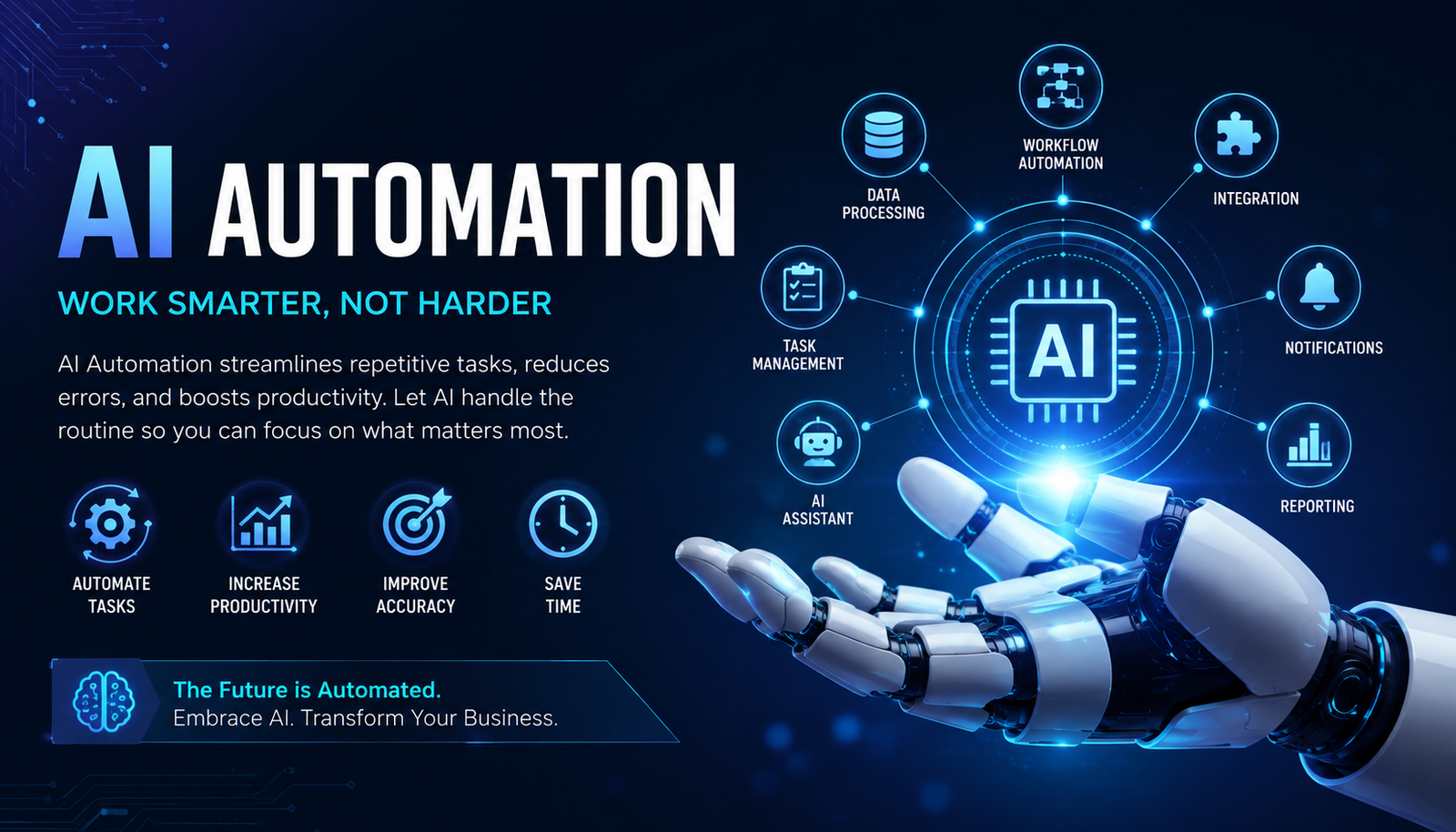
AI automation is changing how businesses handle repetitive work, make decisions, manage data, and interact with customers. Instead of relying only on fixed rules, modern automation can use artificial intelligence to understand information, generate content, classify requests, predict outcomes, and trigger the next action.
From automatically qualifying leads to creating reports and responding to customer questions, AI automation can connect multiple business processes into one intelligent workflow. The technology is useful for large enterprises, but small businesses, marketers, freelancers, and startups can also use it without building complex software from scratch.
This guide explains what AI automation is, how it works, its practical applications, the best AI automation tools, costs, limitations, and how to start building your own workflows.
What Is AI Automation?
AI automation is the use of artificial intelligence to perform tasks, make decisions, or manage workflows with limited human intervention.
Traditional automation normally follows predefined rules. For example, a system might send an email whenever someone fills out a form. AI-powered automation can go further by analyzing the person's information, determining their likely intent, writing a personalized response, and deciding whether the lead should be sent to a sales representative.
A typical AI automation workflow looks like this:
Trigger → Data → AI analysis → Decision → Action → Monitoring
AI automation can use technologies such as machine learning, natural language processing, generative AI, computer vision, and AI agents.
How Does AI Automation Work?
An AI automation system usually combines several components.
1. A Trigger Starts the Workflow
The process begins when something happens.
For example:
A customer submits a form
An email arrives
A new order is placed
A document is uploaded
A payment is received
A CRM record changes
2. Data Is Collected
The automation platform gathers relevant information from applications, databases, documents, websites, or APIs.
For example, a sales workflow might collect a prospect's name, company, job title, website, and previous interactions.
3. AI Interprets the Information
The AI model analyzes the data and determines what should happen next.
It might classify an email, summarize a document, identify a sales opportunity, extract information from an invoice, or generate a response.
4. The Workflow Takes Action
Once the AI produces a result, the automation platform can execute an action.
That could mean:
Updating a CRM
Sending an email
Creating a task
Posting content
Updating a spreadsheet
Sending a notification
Assigning a support ticket
5. Humans Monitor Important Decisions
AI automation does not have to eliminate human involvement. For sensitive or high-value processes, a human can approve an AI-generated decision before the workflow continues.
This human-in-the-loop approach is especially useful for finance, legal, healthcare, customer complaints, and other sensitive operations.
AI Automation vs Traditional Automation
The biggest difference is how the system handles information and decisions.
Traditional automation remains useful for predictable processes. AI automation becomes more valuable when the workflow requires interpretation, classification, prediction, or content generation.
AI Automation vs RPA, BPA and AI Agents
These terms are related but not identical.
RPA (Robotic Process Automation) uses software bots to perform repetitive, rule-based actions, often by interacting with existing applications.
BPA (Business Process Automation) focuses on automating broader business processes, such as approvals, onboarding, or document workflows.
AI automation adds artificial intelligence to workflows that require interpretation or intelligent decisions.
AI agents can operate more autonomously by planning tasks, using tools, and taking multiple actions toward a defined objective.
In practice, businesses can combine all of these technologies instead of choosing only one.
Benefits of AI Automation
Saves Time
AI automation can handle repetitive tasks that would otherwise require employees to perform them manually.
A marketing team, for example, could automate lead collection, customer segmentation, reporting, and follow-up notifications.
Reduces Repetitive Work
Employees can spend less time copying information between systems or performing routine administrative tasks.
Improves Productivity
When routine processes run automatically, employees can focus on strategy, creativity, customer relationships, and other higher-value activities.
Handles Large Volumes of Data
AI systems can process large amounts of text, documents, customer requests, and other information faster than manual workflows.
Supports Faster Decisions
AI can analyze information and provide recommendations quickly, allowing teams to respond faster.
Improves Customer Experiences
Businesses can use automation to provide faster responses, route customer requests, personalize communication, and maintain consistent service.
AI Automation Examples
The most useful way to understand AI automation is through real-world applications.
AI Automation for Sales
A sales workflow could capture a new lead from a website, analyze the lead's company information, score the prospect, add the information to a CRM, and notify the appropriate salesperson.
This eliminates several manual steps while helping sales teams prioritize promising opportunities.
AI Automation for Marketing
Marketing teams can automate:
Content ideas
Email personalization
Customer segmentation
Campaign reporting
Social media workflows
Lead nurturing
Performance summaries
For example, an AI system could analyze campaign data every week and automatically create a performance summary for the marketing team.
AI Automation for Customer Support
A customer support workflow can classify incoming messages, identify urgency, search a knowledge base, generate a response, and route complex cases to a human agent.
Simple questions can be handled automatically while unusual or sensitive issues receive human attention.
AI Automation for Finance
Finance teams can automate invoice processing, expense categorization, document extraction, payment reminders, and reporting.
AI can extract information from invoices and help categorize transactions before sending them for approval.
AI Automation for SEO
SEO professionals can also build intelligent workflows.
For example:
Keyword data → keyword clustering → search intent classification → content brief → AI-assisted draft → human editing → publishing → performance monitoring
Other SEO automation examples include:
Competitor monitoring
Content gap analysis
Internal-link suggestions
Meta description generation
SEO reporting
Content refresh alerts
Keyword categorization
The important point is that AI should support SEO expertise rather than replace editorial judgment.
Best AI Automation Tools
The right AI automation platform depends on your technical skills, budget, existing software, and workflow complexity.
Popular AI automation tools and platforms include Make, Zapier, n8n, Microsoft Power Automate, UiPath, monday.com, and ClickUp. Each serves somewhat different use cases.
Before choosing an AI automation app, check its integrations, AI capabilities, workflow limits, security features, pricing structure, API support, and scalability.
Can You Use AI Automation for Free?
Yes. AI automation free options exist, although free plans usually have restrictions.
Depending on the platform, limitations may include:
Number of workflow executions
Available integrations
AI usage
Task limits
Data storage
Advanced features
Execution frequency
Free automation is useful for learning and testing simple workflows. Businesses with high-volume processes may eventually need a paid plan.
The best approach is to start with a small workflow, measure its value, and upgrade only when the automation produces enough benefit to justify the cost.
What Is an AI Automation Agency?
An AI automation agency helps businesses identify repetitive processes and build automated workflows around them.
An agency might automate:
Lead generation
CRM management
Customer support
Appointment scheduling
Email marketing
Reporting
Data entry
Content workflows
For businesses without technical expertise, an agency can evaluate existing processes, select appropriate AI automation tools, build integrations, and maintain the system.
However, businesses should understand the workflow before automating it. Automating a poorly designed process can simply make a bad process run faster.
How to Choose an AI Automation Platform
Before selecting an AI automation platform, ask five questions.
Does It Integrate With Your Existing Software?
Check whether the platform connects with your CRM, email service, website, spreadsheets, communication tools, and other essential applications.
Is It Easy to Use?
No-code platforms are suitable for beginners, while developers may prefer systems offering deeper customization and API access.
Can It Scale?
A workflow that works for 100 tasks per month may need a different architecture when handling 100,000 tasks.
Does It Protect Your Data?
Review security controls, access permissions, data handling, authentication, and compliance requirements before connecting sensitive business information.
Is the Cost Justified?
Calculate the time and operational cost saved by automation. A cheap tool is not necessarily the best choice if it cannot handle your workflow reliably.
How to Build Your First AI Automation
Start with one repetitive process instead of trying to automate your entire business.
For example:
Step 1: Identify a repetitive task.
Step 2: Define the desired outcome.
Step 3: Choose an AI automation platform.
Step 4: Connect the applications involved.
Step 5: Add the AI step, such as classification or content generation.
Step 6: Define the action that follows the AI decision.
Step 7: Add human approval where necessary.
Step 8: Test the workflow with real-world examples.
Step 9: Monitor errors and improve the instructions.
A simple first project might be automatically summarizing incoming customer emails and sending the summary to a team channel.
AI Automation Courses and Skills
People interested in building a career in this field can learn through an AI automation course, practical projects, documentation, and hands-on experimentation.
Important skills include:
Workflow design
Prompt engineering
APIs
Webhooks
Data handling
CRM systems
Automation platforms
Basic programming
AI model fundamentals
Process optimization
You do not necessarily need to become a software engineer. However, understanding how applications exchange data will make it much easier to create reliable automations.
Risks and Limitations of AI Automation
AI automation has significant benefits, but it is not risk-free.
AI models can produce incorrect information, misunderstand context, or make poor decisions when the input data is incomplete.
Other concerns include:
Data privacy
Security vulnerabilities
Incorrect AI outputs
Integration failures
Unexpected costs
Over-automation
Lack of human oversight
For important workflows, use approval steps, logging, testing, access controls, and clear fallback procedures.
The Future of AI Automation
AI automation is moving toward more intelligent and autonomous workflows.
Instead of simply connecting applications with predefined instructions, AI agents can increasingly interpret goals, select tools, complete multiple steps, and adjust their actions based on results.
This does not mean every business process should become fully autonomous. The strongest systems will likely combine AI reasoning with reliable automation rules and human oversight.
Businesses that identify suitable processes early can gain productivity benefits without attempting to automate everything at once.
Frequently Asked Questions
What is AI automation in simple words?
AI automation means using artificial intelligence to perform tasks, interpret information, make decisions, or trigger actions automatically. It combines AI capabilities with automated workflows.
What are some examples of AI automation?
Examples include automated customer support, lead qualification, invoice processing, email classification, marketing personalization, SEO reporting, content workflows, and data extraction.
What is the best AI automation tool?
There is no single best tool for every business. Make, Zapier, n8n, Microsoft Power Automate, UiPath, and other platforms suit different technical, budget, and workflow requirements.
Can I use AI automation for free?
Yes. Several platforms offer free plans or limited free usage. These are useful for learning and testing, although advanced features and higher usage generally require payment.
Do I need coding skills for AI automation?
Not always. Many no-code and low-code platforms allow beginners to create workflows visually. Coding and API knowledge become more valuable when you need custom integrations or complex automation.
Will AI automation replace human employees?
AI automation is more accurately viewed as a way to automate tasks and augment employees. Some repetitive roles may change significantly, but human judgment, creativity, communication, and oversight remain important.
Is AI automation worth it for small businesses?
It can be, particularly when a business spends substantial time on repetitive administrative, marketing, sales, or customer-service tasks. Start with one measurable workflow and evaluate the return before expanding.
Conclusion
AI automation combines artificial intelligence with automated workflows to help businesses process information, make decisions, and complete repetitive tasks more efficiently. Its applications range from sales and customer support to finance, marketing, SEO, and operations.
The best results come from choosing the right processes rather than trying to automate everything. Start small, select an appropriate AI automation platform, test the workflow, monitor its performance, and keep humans involved wherever decisions require judgment.
As AI agents and intelligent workflows continue to develop, AI automation will become an increasingly important part of modern business operations. Learning how to design, evaluate, and manage these systems now can provide a significant advantage as automation becomes more accessible.
Leave a Reply