

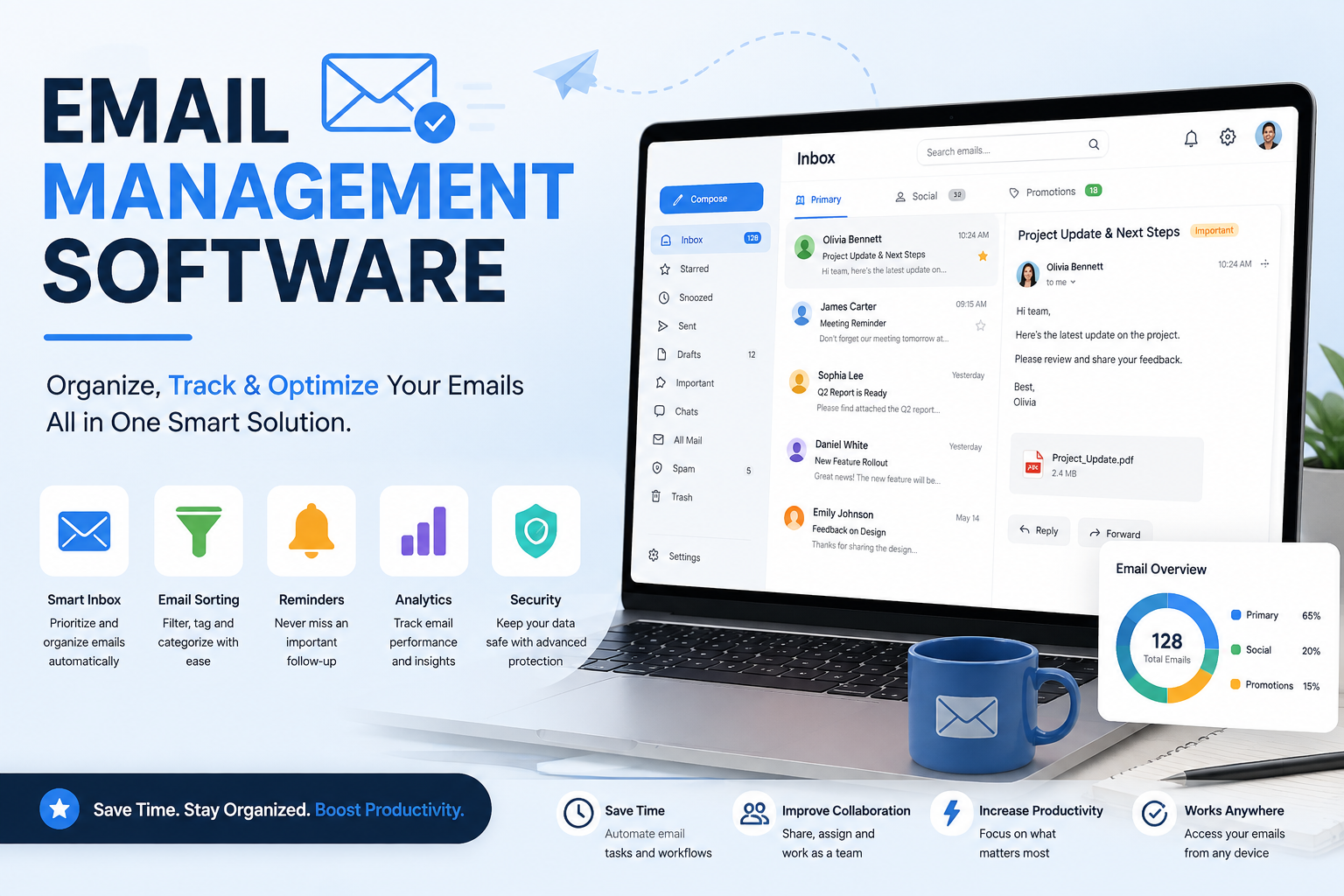
Managing email has become more challenging than ever. Businesses receive hundreds or even thousands of emails every week, ranging from customer inquiries and sales leads to internal communication and project updates. Without an organized system, important messages can be missed, response times can suffer, and productivity can decline.
This is where email management software makes a significant difference. Instead of relying on a standard inbox, these tools help organize conversations, automate repetitive tasks, assign emails to team members, and improve collaboration. Many modern platforms also include AI-powered features that prioritize emails, generate replies, and summarize lengthy conversations.
Whether you're a freelancer, a growing startup, or a large enterprise, choosing the right solution can save hours each week while improving customer satisfaction and team efficiency.
In this guide, we'll compare the best email management software available in 2026, explain their strengths and limitations, and help you choose the right option for your business.
What Is Email Management Software?
Email management software is a platform designed to organize, prioritize, automate, and streamline email communication. Unlike traditional email clients, these solutions include advanced features such as shared inboxes, workflow automation, internal team collaboration, analytics, and AI-powered assistance.
For example, a customer support team can receive all inquiries in one shared inbox, assign messages to the right representative, track response times, and ensure no email is overlooked.
Many businesses also use professional email management software to improve communication across sales, customer service, HR, and marketing departments.
Why Businesses Need Email Management Software
As companies grow, managing email manually becomes increasingly difficult. A dedicated solution provides several benefits:
Improved Team Collaboration
Shared inboxes allow multiple employees to access the same mailbox without creating duplicate responses or confusion.
Faster Response Times
Automatic email routing ensures messages reach the appropriate team member immediately.
Better Organization
Labels, categories, filters, and automation rules keep inboxes clean and manageable.
AI-Powered Productivity
Modern software can summarize conversations, recommend replies, prioritize urgent messages, and automate repetitive workflows.
Enhanced Security
Most enterprise-grade platforms include encryption, role-based permissions, audit logs, and compliance features.
How We Evaluated These Tools
To provide objective recommendations, each platform was evaluated using the following criteria:
Rather than focusing only on popularity, we considered usability, scalability, automation capabilities, integration options, and overall value for businesses of different sizes.
Best Email Management Software in 2026
1. Missive
Best For: Teams that collaborate heavily on email communication
Missive combines email, chat, task management, and collaboration into a single platform. Team members can discuss emails internally before responding, making it an excellent choice for customer support and remote teams.
Key Features
Shared inboxes
Internal team chat
AI-assisted writing
Email assignments
Workflow automation
Mobile apps
Gmail and Outlook support
Pros
Excellent collaboration features
Clean user interface
Powerful automation
Supports multiple email accounts
Cons
Premium plans can be expensive
Some advanced features require setup
2. Front
Best For: Customer-facing teams
Front transforms shared inboxes into collaborative workspaces. It integrates with CRM platforms, help desk software, and productivity tools, making it ideal for growing businesses.
Key Features
Shared inbox
Email analytics
Workflow automation
AI assistance
CRM integrations
Internal comments
Pros
Highly customizable
Excellent analytics
Strong automation tools
Cons
Higher pricing compared to some competitors
3. Hiver
Best For: Businesses using Gmail
Hiver works directly inside Gmail, allowing teams to collaborate without switching applications. It's one of the best options for companies looking for email management software for Gmail.
Key Features
Shared Gmail inbox
Collision detection
Email templates
SLA tracking
Analytics
Automation
Pros
No learning curve
Native Gmail integration
Affordable pricing
Cons
Limited outside the Google ecosystem
4. Help Scout
Best For: Customer support teams
Help Scout combines email management with customer support features, allowing businesses to provide personalized service while maintaining organized workflows.
Key Features
Shared inbox
Knowledge base
AI drafts
Customer profiles
Reporting
Automation
Pros
Excellent customer support tools
Easy to use
Powerful reporting
Cons
Less suitable for internal business communication
5. Zoho TeamInbox
Best For: Businesses already using Zoho products
Zoho TeamInbox centralizes team communication while integrating seamlessly with the broader Zoho ecosystem.
Key Features
Shared inbox
Email assignments
Team collaboration
Automation rules
Mobile apps
Pros
Cost-effective
Easy integration with Zoho CRM
Good collaboration tools
Cons
Best suited for existing Zoho users
6. HubSpot Service Hub
Best For: Sales and customer relationship management
HubSpot combines CRM, customer support, and email management into one comprehensive solution. Teams can manage customer conversations while tracking every interaction.
Key Features
Shared inbox
CRM integration
AI assistance
Ticket management
Email templates
Automation
Pros
Powerful CRM integration
Excellent reporting
Scalable platform
Cons
Advanced features require higher-tier plans
7. Gmelius
Best For: Small businesses and remote teams
Gmelius enhances Gmail with collaboration features, automation, Kanban boards, and shared inboxes, making it an excellent email management software for small business.
Key Features
Shared inbox
Email automation
Kanban boards
Shared drafts
Team analytics
Pros
Great Gmail integration
Easy collaboration
Competitive pricing
Cons
Primarily designed for Google Workspace users
8. SaneBox
Best For: Individuals who receive high email volumes
Instead of replacing your inbox, SaneBox uses artificial intelligence to organize incoming emails based on importance.
Key Features
AI email filtering
Snooze folders
Reminder system
Priority inbox
Smart categorization
Pros
Works with almost every email provider
Excellent AI filtering
Quick setup
Cons
Doesn't offer shared inbox functionality
9. Spark
Best For: Personal productivity
Spark focuses on helping professionals manage their inbox efficiently through intelligent sorting and collaboration features.
Key Features
Smart Inbox
Email scheduling
Shared drafts
Templates
Team collaboration
Pros
Attractive interface
Smart organization
Strong mobile apps
Cons
Limited enterprise capabilities
10. Clean Email
Best For: Inbox organization and cleanup
Clean Email specializes in reducing inbox clutter by automatically organizing, archiving, and deleting unwanted messages.
Key Features
Bulk email cleanup
Smart folders
Automation rules
Subscription management
Privacy-focused tools
Pros
Saves significant time
Easy automation
Excellent cleanup features
Cons
Not designed for team collaboration
Free and Budget-Friendly Options
Businesses with limited budgets often search for email management software free or the best free email management software to improve productivity without increasing expenses.
Feature Comparison Table
How to Choose the Right Email Management Software
With dozens of solutions available, choosing the right platform depends on your team's workflow, budget, and long-term goals.
Consider the following factors before making a decision.
Team Size
Freelancers often need a lightweight solution with smart inbox organization, while growing businesses benefit from shared inboxes and collaboration features. Larger organizations should prioritize scalability, permissions, and advanced reporting.
AI Capabilities
Artificial intelligence is transforming email productivity. Look for tools that provide:
AI-generated replies
Conversation summaries
Smart categorization
Priority inbox management
Automated workflows
These features reduce repetitive work and help employees focus on high-value tasks.
Integration Options
Your email platform should connect with tools you already use, such as:
CRM software
Slack
Microsoft Teams
Google Workspace
Microsoft 365
Project management platforms
Help desk software
Security
Businesses handling customer information should verify whether the software includes:
Data encryption
Two-factor authentication
Role-based permissions
Audit logs
GDPR compliance
SOC 2 certification
Gmail vs. Outlook Compatibility
Many businesses specifically search for email management software for Gmail or email management software for Outlook because their existing ecosystem influences which solution works best.
If your organization relies on Google Workspace, platforms like Hiver, Gmelius, and Missive integrate seamlessly with Gmail. Companies using Microsoft 365 generally benefit from solutions such as Front, Help Scout, Missive, or HubSpot, which provide strong Outlook compatibility and enterprise-level integrations.
Choosing software that works naturally with your preferred email provider minimizes setup time and improves user adoption.
Best Email Management Software by Business Type
For Freelancers
Spark
SaneBox
Clean Email
These tools focus on organization, automation, and productivity without unnecessary complexity.
For Small Businesses
If you're searching for email management software for small business, consider:
Gmelius
Hiver
Zoho TeamInbox
HubSpot Free
These platforms offer affordable collaboration tools while remaining easy to manage.
For Customer Support Teams
Help Scout
Front
Missive
These platforms excel at assigning conversations, tracking response times, and managing shared inboxes.
For Sales Teams
HubSpot Service Hub
Front
CRM integrations help sales representatives keep customer communication organized.
For Enterprises
Large organizations often require:
Advanced automation
Security controls
Multiple shared inboxes
Workflow customization
Reporting dashboards
Missive and Front are excellent enterprise-grade solutions.
Email Management Best Practices
Even the best software cannot improve productivity without effective habits.
Follow these best practices to keep your inbox under control.
Create folders and labels for important conversations.
Archive completed discussions regularly.
Use automation rules whenever possible.
Set response-time goals for customer emails.
Create reusable email templates.
Review analytics to identify bottlenecks.
Avoid leaving emails unread for long periods.
Schedule dedicated email management time instead of checking your inbox constantly.
Common Mistakes to Avoid
Many businesses fail to get the full value from their software because of avoidable mistakes.
Some of the most common include:
Using personal inboxes for business communication
Failing to assign email ownership
Ignoring workflow automation
Creating too many folders
Not training employees properly
Choosing software without considering future growth
Overlooking security and compliance requirements
What Do Users Say?
Discussions around email management software Reddit communities often highlight real-world experiences that differ from marketing pages. Users frequently recommend tools like Missive, Front, Spark, and Hiver for their ease of use, while others praise SaneBox for dramatically reducing inbox clutter. Common advice from experienced users is to prioritize workflow compatibility and collaboration features over simply choosing the lowest-priced option.
Frequently Asked Questions
What is the best email management software?
The best email management software depends on your needs. Missive is excellent for collaboration, Front is ideal for customer-facing teams, HubSpot suits sales organizations, and Hiver is perfect for Gmail users.
Is there free email management software?
Yes. Several providers offer free plans or trials. HubSpot, Spark, and Zoho TeamInbox are among the most popular choices for businesses looking for email management software free.
Which email management software works with Outlook?
Several platforms support Microsoft Outlook, including Missive, Front, Help Scout, HubSpot, Spark, and Clean Email. If you're specifically looking for email management software for Outlook, these options offer strong compatibility.
Which software is best for Gmail?
Hiver, Gmelius, and Missive are among the best choices for businesses using Google Workspace. They integrate directly with Gmail and provide shared inboxes, automation, and collaboration features.
Is AI included in modern email management software?
Yes. Many modern platforms include AI-powered features such as smart replies, automatic categorization, conversation summaries, writing assistance, and workflow automation.
Can small businesses benefit from email management software?
Absolutely. Affordable solutions designed as email management software for small business help teams stay organized, improve customer response times, and reduce manual work without requiring enterprise-level budgets.
Conclusion
Email remains one of the most important communication channels for businesses, making effective inbox management essential. The right email management software can help teams collaborate more efficiently, automate repetitive tasks, improve customer response times, and maintain a well-organized workflow.
For organizations seeking advanced collaboration, Missive and Front stand out as leading choices. Businesses deeply invested in Google Workspace may prefer Hiver or Gmelius, while HubSpot is an excellent option for companies that want CRM and email management in a single platform. Individuals looking to organize overflowing inboxes can benefit from Spark, SaneBox, or Clean Email.
Before making your final decision, evaluate each platform based on your team size, preferred email provider, security requirements, AI capabilities, integration needs, and budget. Investing in the right solution today can save countless hours and significantly improve communication across your organization.
Leave a Reply